
Project Blinking Lights
The Ulanzi TC001 is a low-budget LED display that lets you customize the firmware and add some homemade scripts.
External displays that continuously show data without a real screen, even when the computer is taking a nap, are a genuine upgrade to any office. Of course, they can be used to display the time or weather, but they can also perform unusual tasks tailored to your needs. The reasonably priced Ulanzi TC001 ended up on my doorstep within a week for around $60, after traveling all the way from China to the USA. My original idea was to use it to build a “Wealth Clock” that shows the current gold level in all my money stores so that I know how wealthy I am at any given time.
Flashing Custom Firmware
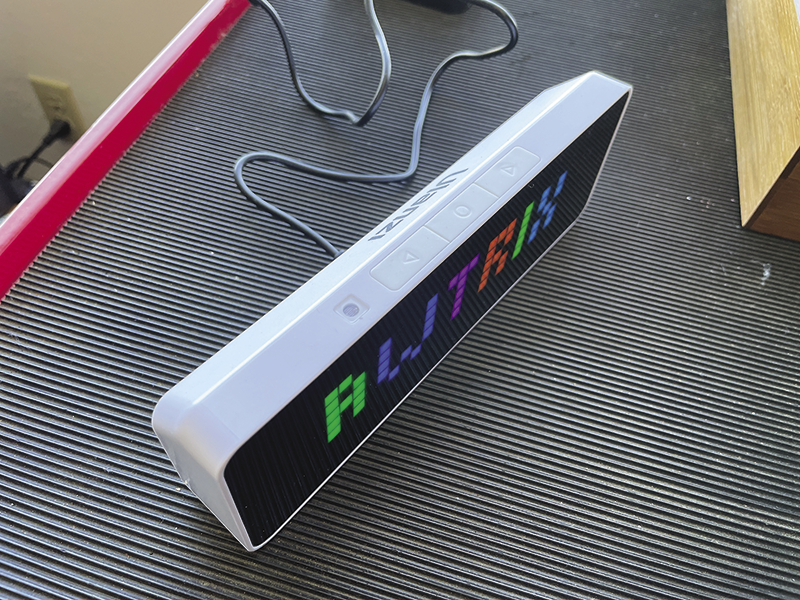
The LED display has a retro feel. Of course, there are higher-resolution displays available today, but the LED display is definitely suitable for displaying short character strings and gives you a sort of cozy Tetris feeling at the same time. The included firmware can only do mundane tasks such as displaying the time, the date, and the battery level, but the Awtrix project offers open source firmware including a browser-based instant flashing tool that turns the device into a Jack of all trades in next to no time. Figure 1 shows how the new firmware boots up.
The device does not offer much RAM, and the processor is a modest ESP32. Although this microcontroller can handle WiFi and Bluetooth, its performance cannot be compared to that of a modern CPU. This is why more demanding applications aren’t running directly on the Ulanzi. Instead, they are chugging along on an external computer with more power, which then uses an API command to periodically tell Awtrix what to display. After completing the boot process, the firmware rotates through all of its configured standard apps: time/date, temperature, humidity provided by its internal sensors, and current battery strength. But that’s not the objective here. Instead, we will be disabling the standard apps one by one in order to upload our own custom apps.
Perpetual Cycle
To do this, you need to press and hold the center button with the circle at the top of the Ulanzi for about two seconds; this will force Awtrix to jump into the admin console. One of the submenus there is named Apps.
Another short press on the circle button shows the status of the first app (e.g., the remaining capacity of the built-in battery). The display can be operated for around five hours without a power cable using the built-in battery – but this is unlikely to be useful to anyone, because it definitely requires a power socket for continuous operation.
Pressing the arrow buttons to the left or right now reveals additional apps such as the temperature or humidity display, or the time and date. Briefly pressing the circle button switches the displayed app off or back on again; the firmware acknowledges this by displaying off or on.
A long press on the circle button causes the console to jump back up to the next level and ultimately return to the infinite app cycle. Once you have disabled all the default apps, you will now see nothing but a dark display.
Meaningless Password
The Awtrix firmware’s web UI and API can be protected with a username and password using the Admin console (Figure 2). However, the mini web server on the device then expects login credentials for each request via basic authorization using unprotected HTTP. That is not exactly state-of-the-art: Anyone listening in on the WiFi network can sniff the password.
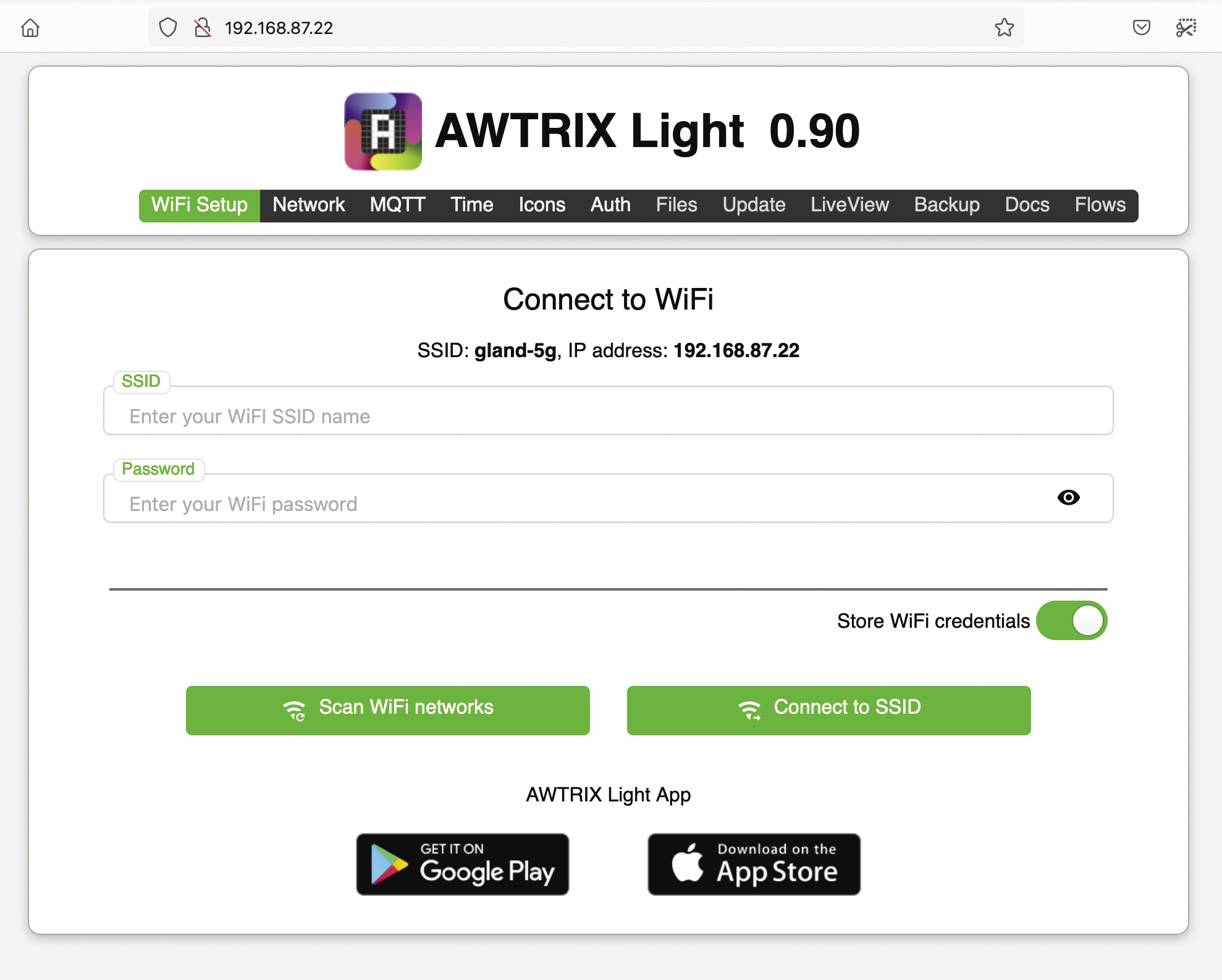
To integrate new custom apps into the firmware display loop, clients either can use the MQTT interface, which is particularly popular for home automation systems, or send commands via the web API. The latter is not well-documented on GitHub, but, ultimately, a POST request to the Ulanzi’s IP on the WiFi network is all it takes. After flashing with the new firmware, the device starts in AP mode. If you select the new awtrix_XXX WiFi network on a laptop or smartphone, you can send the WiFi access credentials for the home network to the Ulanzi in the browser that then opens. After a reboot, the Ulanzi then connects to the WiFi network and grabs an IP, which it shows on the display when booting up.
API calls for setting up new apps will be sent to this IP and the path /api/custom; they also require a (freely selectable) name for the app and a JSON blob with the desired display content.
Birthday Countdown
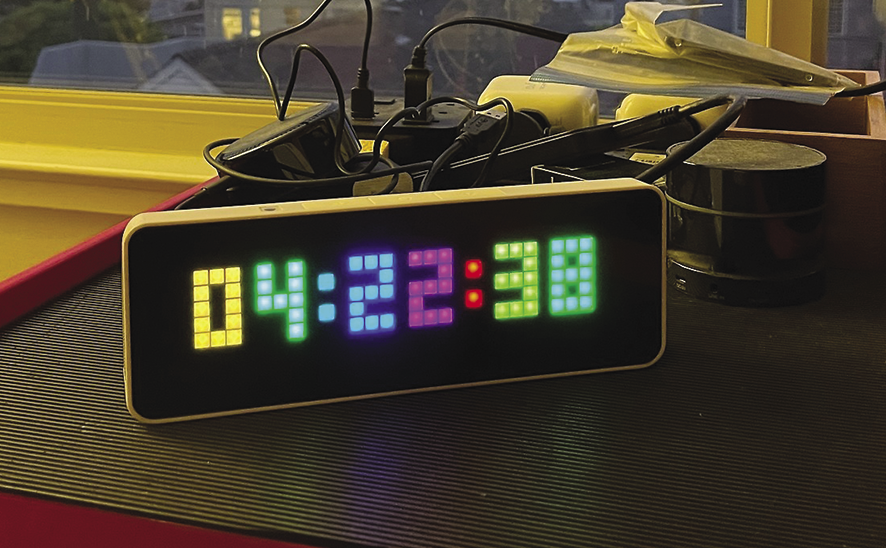
First of all, I decided to add a new app to the display that counts down the days, hours, and minutes until a specified date, for example, a birthday (Figure 3). Listing 1 uses the DHMUntil() function to calculate the time span between the current time and the corresponding date. It then divides the resulting number of hours by 24 to compute the number of days. A Mod 24 operation extracts the remaining hours from this, and a Mod 60 on the minutes extracts the remaining minutes.
Listing 1: countdown.go
package main
import (
  "fmt"
  "time"
)
func DHMUntil(until time.Time) string {
  dur := time.Until(until)
  days := int(dur.Hours() / 24)
  hours := int(dur.Hours()) % 24
  mins := int(dur.Minutes()) % 60

  return fmt.Sprintf("%02d:%02d:%02d", days, hours, mins)
}
What you get back is a string in a DD:HH:MM format, which the API call in Listing 2 shows on the display. It is up to the control computer how often the countdown is refreshed. If, for example, a cron job only starts every 15 minutes, the counter will lag behind by a quarter of an hour worst case.
Communication with the Awtrix firmware’s web server API is handled by Listing 2 using the apiPayload type structure from line 11. The json.Marshal() packer converts the structure into JSON format in line 20 referencing the back-quoted instructions in the structure to do so. For example, the content of the Go Text attribute, which holds the character string to be displayed, is text (i.e., lowercase) in JSON by convention, because JSON fields traditionally start with lowercase letters, whereas public Go structure fields start with capital letters.
Listing 2: api.go
01 package main
02 import (
03   "bytes"
04   "encoding/json"
05   "fmt"
06   "net/http"
07 )
08
09 const baseURL = "http://192.168.87.22/api/custom"
10
11 type apiPayload struct {
12   Text     string `json:"text"`
13   Rainbow  bool   `json:"rainbow"`
14   Duration int    `json:"duration"`
15   Icon     int    `json:"icon"`
16 }
17
18 func postToAPI(name string, p apiPayload) error {
19   url := baseURL + "?name=" + name
20   jsonBytes, err := json.Marshal(p)
21   if err != nil {
22     return 0, err
23   }
24
25   resp, err := http.Post(url, "application/json", bytes.NewBuffer(jsonBytes))
26   if err != nil {
27     return 0, err
28   }
29   defer resp.Body.Close()
30
31   if resp.StatusCode != http.StatusOK {
32     return fmt.Errorf("%v", resp.StatusCode)
33   }
34   return nil
35 }
The postToAPI() function from line 18 expects two parameters from the caller: the name of the application and an apiPayload type structure. The apiPayload type structure contains the text to be displayed (in Text), the Rainbow flag (true value for a colorful display), and the display duration in seconds in Duration. You can optionally add an icon so that the viewer can visually determine which app the displayed value is associated with.
The Post() function from the Go net/http standard package then sends the JSON blob to the web server, specifying the application/json MIME type. The MIME type is mandatory; otherwise, the server will not route the call correctly. After checking the HTTP response for errors, the function finally returns.
Like and Subscribe
In another app, I wanted the Ulanzi to display the number of subscribers to my YouTube channel and the number of videos uploaded to date (Figure 4). Listing 3 illustrates how the control computer retrieves the desired numerical values from YouTube. Google requires a valid API key to access the data; you can obtain this from the Cloud Console as shown in my Programming Snapshot column in the March 2024 issue of Linux Magazine.
Listing 3: youtube.go
01 package main
02
03 import (
04   "context"
05   "google.golang.org/api/option"
06   "google.golang.org/api/youtube/v3"
07   "log"
08 )
09
10 const ChannelID = "UC4UlBOISsNy4HcQFWSrnV5Q"
11 const ApiKey = "AIzaSyZmOrarSDWqrnAwIKkWGzj0vaVQtyvPokB"
12
13 func youtubeStats() (uint64, uint64, error) {
14   ctx := context.Background()
15   service, err := youtube.NewService(ctx, option.WithAPIKey(ApiKey))
16   resp, err := service.Channels.List([]string{"statistics"}).Id(ChannelID).Do()
17   if err != nil {
18     log.Fatalf("%v", err)
19   }
20
21   if len(resp.Items) == 0 {
22     log.Fatal("Channel not found")
23   }
24
25   stat := resp.Items[0].Statistics
26   return stat.SubscriberCount, stat.VideoCount, nil
27 }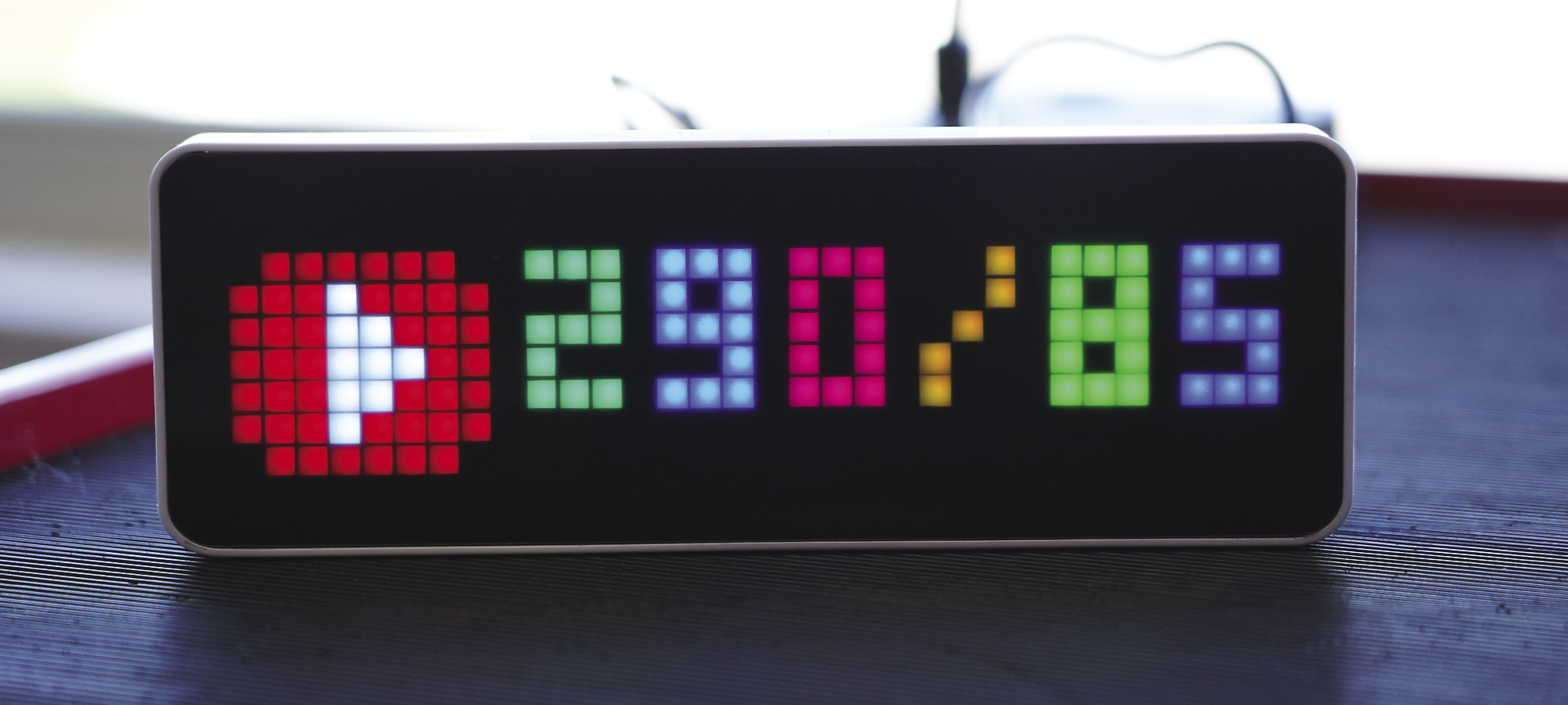
The official YouTube API client Go library used in the listing makes it easy to obtain statistics for a channel. On top of that, it removes the need for developers to extract the desired values from the mess of JSON in the server response. The channel ID for identifying the desired channel is hard-coded in line 10 and the API key in Line 11.
The code calls NewService() to create a service object in line 15. It then invokes the API client’s List() function with the statistics parameter to extract the channel’s statistics metadata. The return value is a list containing exactly one match, which line 25 drills down on. Line 26 then extracts the desired values for SubscriberCount and VideoCount from the data structure.
Pixelated Icons
If you install multiple apps, and the display constantly toggles between them, icons are a great way to show users which app generated the text currently on display. Having said this, it is not so easy to create a meaningful graphic on a mini matrix of 8x8 pixels on the display to leave room for the actual data.
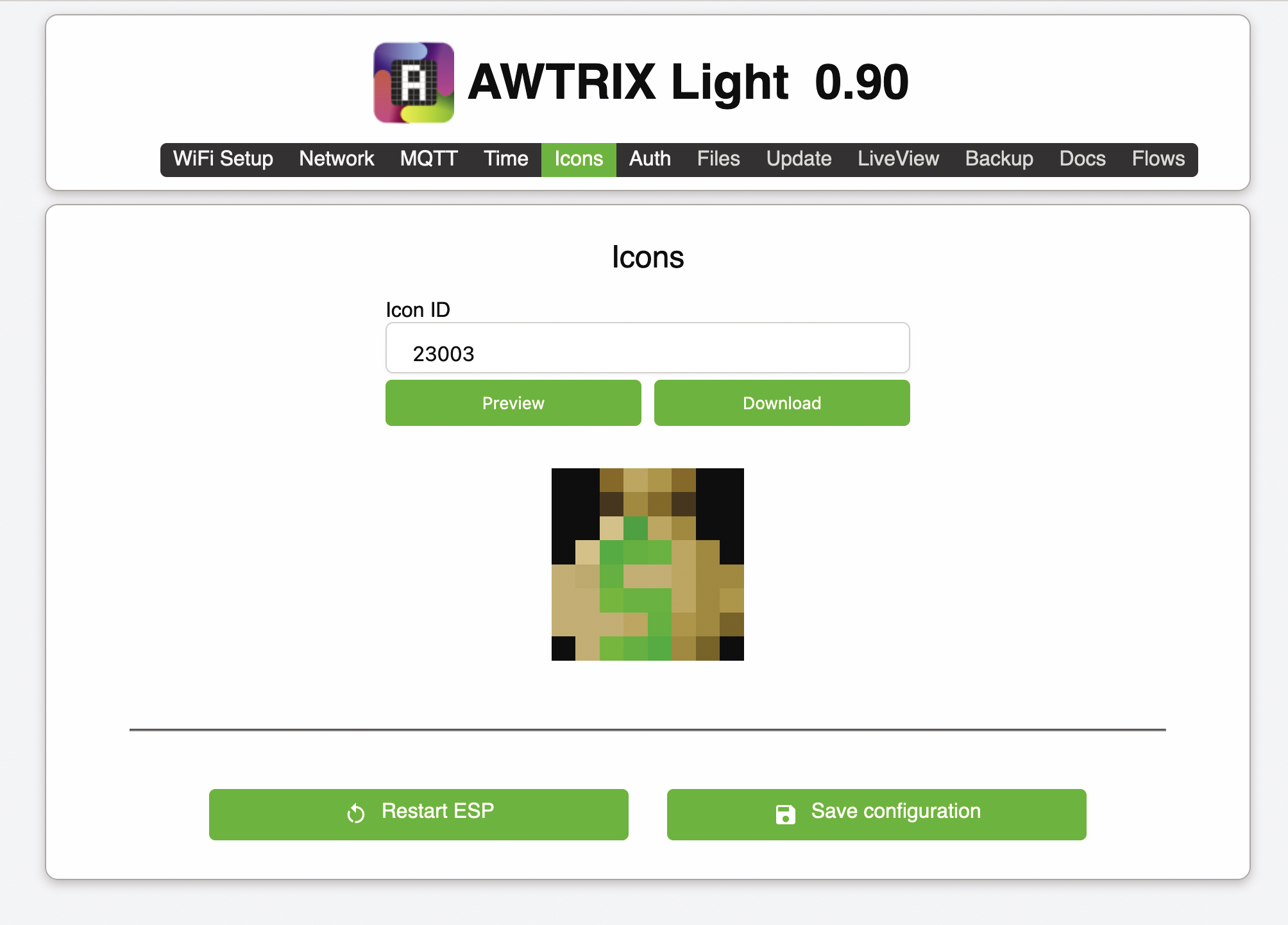
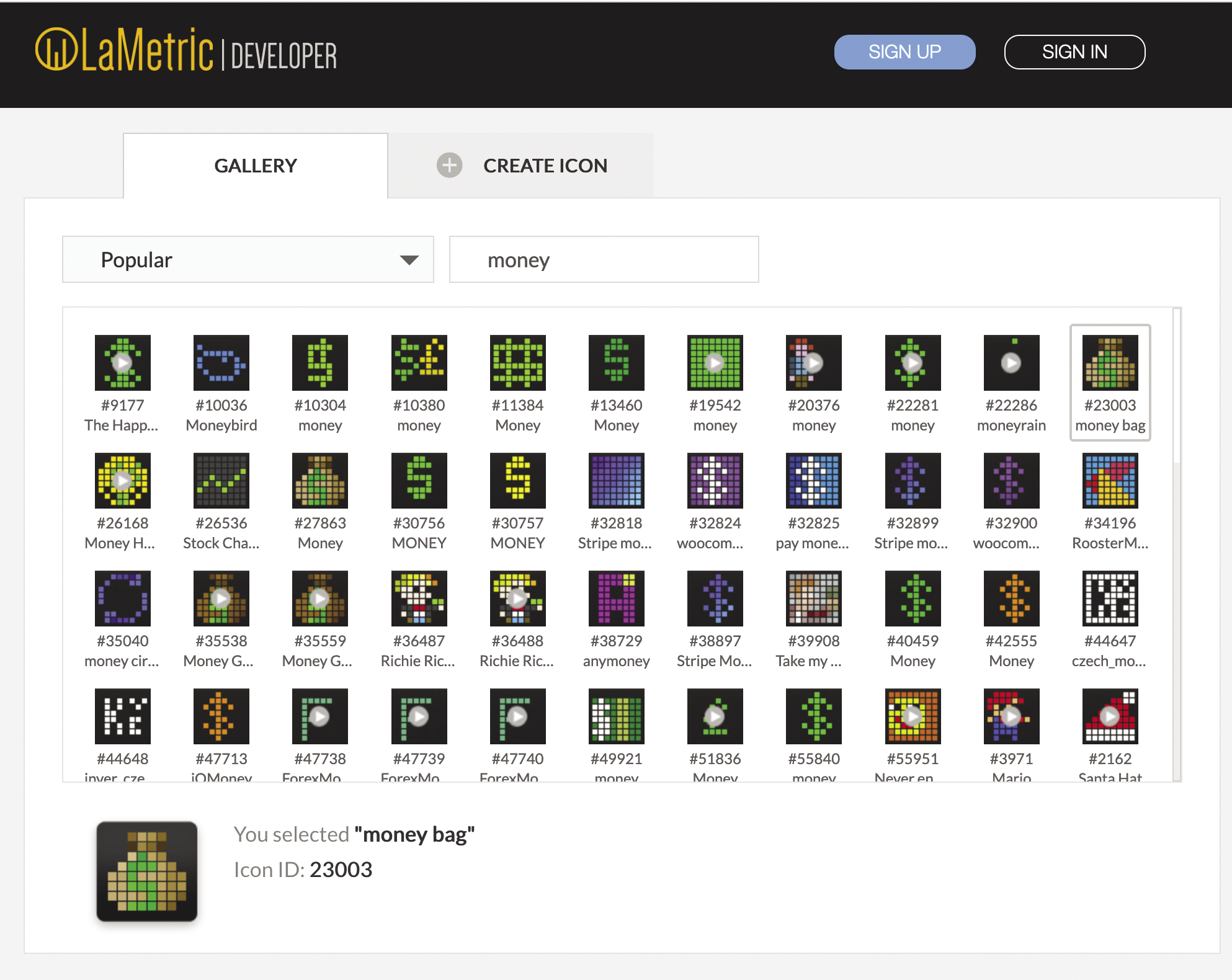
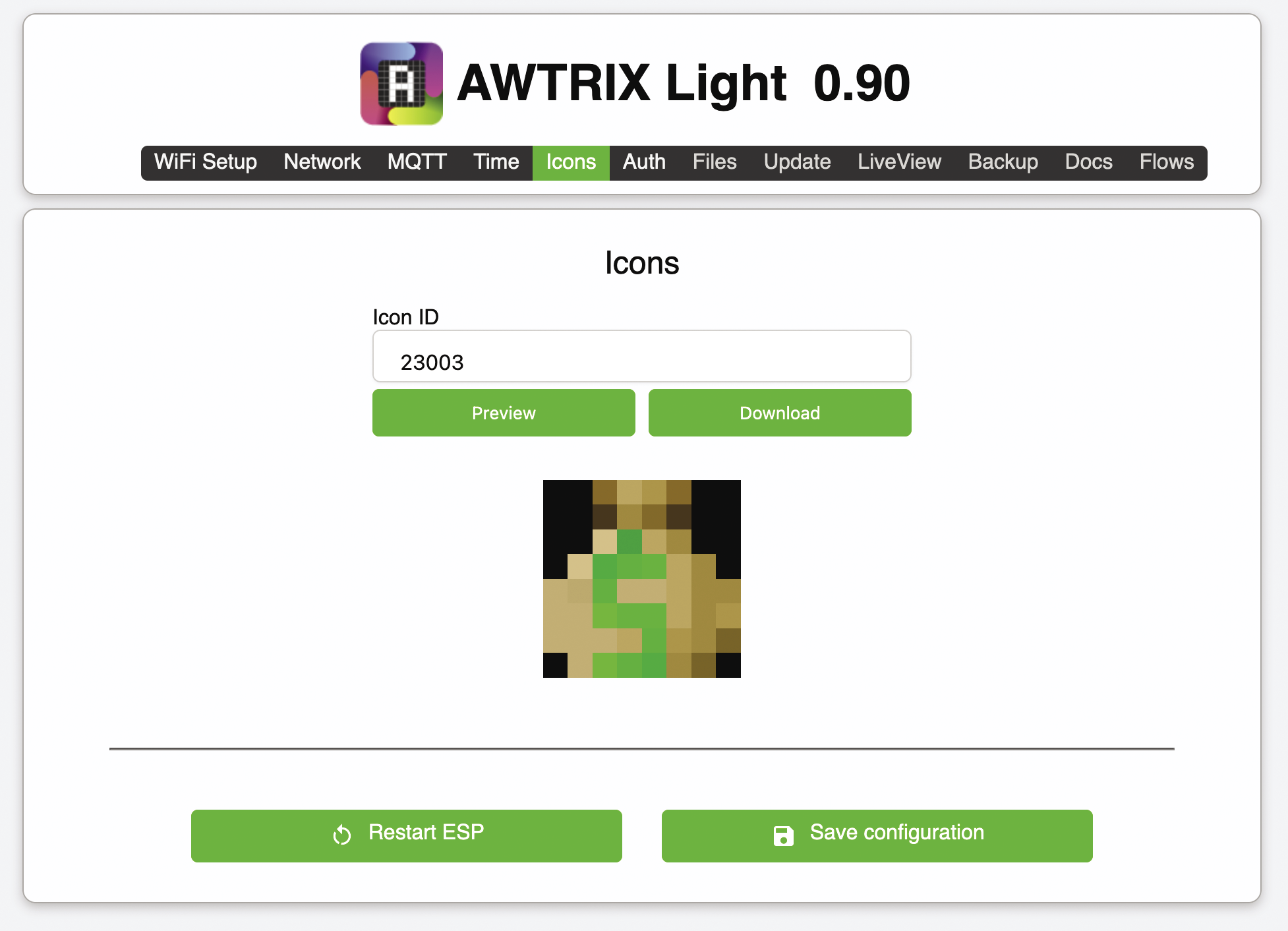
Interestingly, the Ulanzi TC001 with Awtrix works around this by using predefined icons (Figure 5) from the developer site of the more expensive competitor product LaMetric. You can search for suitable icons there using keywords (Figure 6) and write down their IDs. Later, on the Awtrix admin page, the small pixel artworks can be referenced by this numerical value in the Icons tab (Figure 7). At the touch of a button, Awtrix then downloads the respective icon to the firmware and displays it in the first field of an app whenever the JSON data of an app sent to the display references the corresponding numerical icon ID in the icon field.
After calling the API from the compiled Go program, the display will later show a YouTube-style red play button as an icon, as you can see in Figure 4. It told me that my personal channel on the platform now has 290 subscribers and that I have uploaded no fewer than 85 videos on cooking and car repairs.
Uncle Scrooge’s Monitor
As for my personal wealth clock, I can’t publish details, so Figure 8 only shows a symbolic cash balance. In reality, a Go program runs the control computer every day, evaluating all my cash deposits and investment values, adding them up, and attaching them to the end of a logfile as a numerical value. This means that the mon() function in Listing 4 only needs to navigate to the end of the logfile, extract the first numerical value, and return it to the caller to determine my total wealth.
Listing 4: dago.go
01 package main
02
03 import (
04   "bufio"
05   "golang.org/x/text/language"
06   "golang.org/x/text/message"
07   "os"
08   "os/user"
09   "path"
10   "regexp"
11   "strconv"
12 )
13
14 func mon() string {
15   usr, err := user.Current()
16   if err != nil {
17     panic(err)
18   }
19
20   logf := path.Join(usr.HomeDir, "data/monlog.txt")
21   file, err := os.Open(logf)
22   if err != nil {
23     panic(err)
24   }
25   defer file.Close()
26
27   scanner := bufio.NewScanner(file)
28   var lastLine string
29   for scanner.Scan() {
30     lastLine = scanner.Text()
31   }
32   if err := scanner.Err(); err != nil {
33     panic(err)
34   }
35
36   re := regexp.MustCompile(`\d+`)
37   match := re.FindString(lastLine)
38   n, err := strconv.ParseInt(match, 10, 64)
39   if err != nil {
40     panic(err)
41   }
42
43   n = n / 1000
44   p := message.NewPrinter(language.English)
45   return p.Sprintf("%d", n)
46 }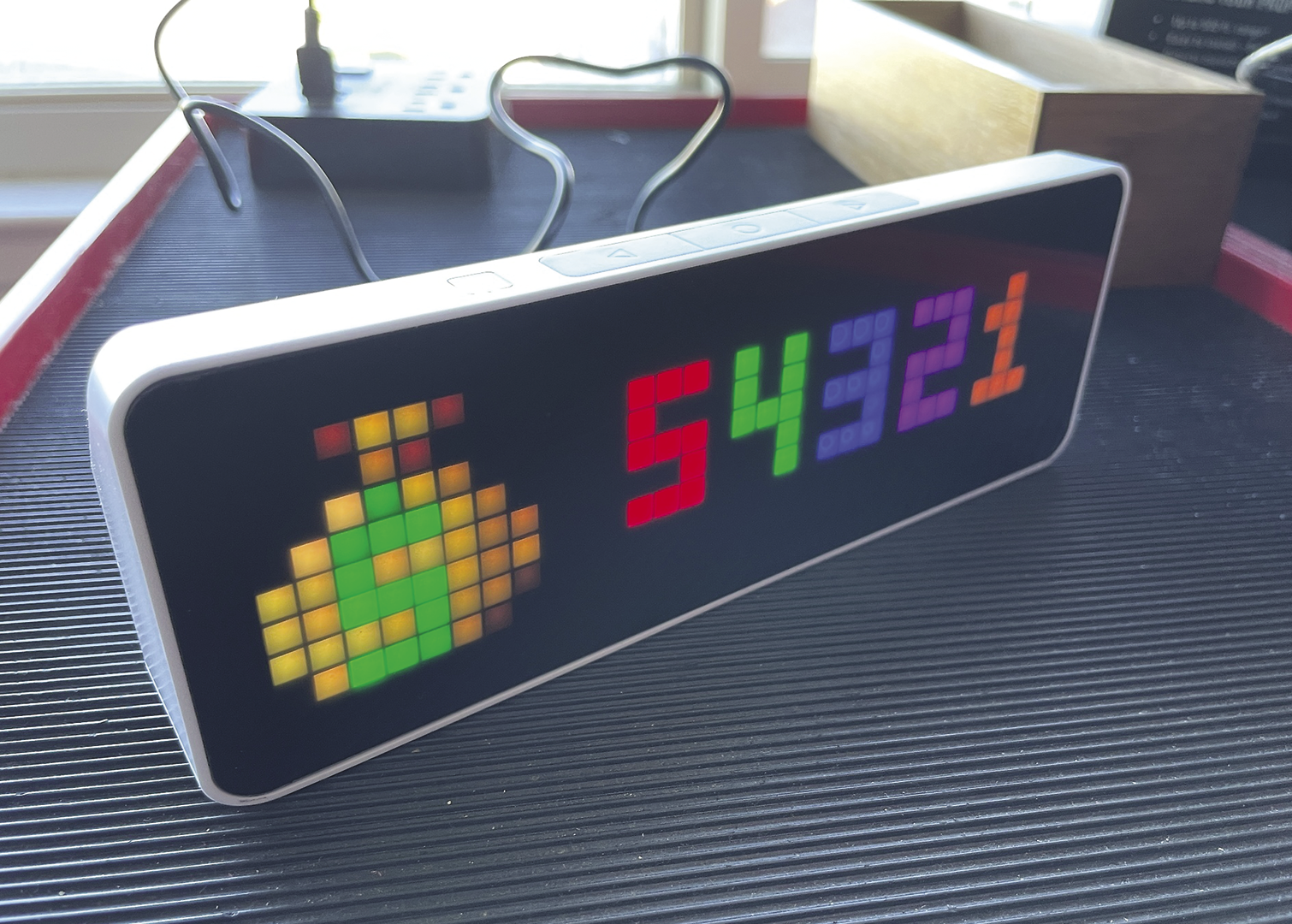
Because the bytes of a file are stored sequentially on the hard disk and a line is implemented under Unix in such a way that there is a newline character at the end, reading the last line of a file is by no means trivial. The simplest method: Tell the program to read the bytes of the file line by line up to the next newline character until it reaches the end of the file; it then just needs to remember the content of the last line it processed.
However, this is very inefficient, especially with longer files, because reading out unnecessary data can take a long time. For greater efficiency, you can use the Unix fseek() function to tell the operating system to work its way to the end of the file without much delay and search backwards from there for the beginning of the last line. However, because the logfile processed by Listing 4 isn’t excessively long, it uses the first, simpler method.
To make long numbers easier to read, the US and UK comma-separate groups of digits (“10,000”); some other countries, such as Germany, for example, use dots (“10.000”) instead. The standard text/message Go library takes care of this in Listing 4, loading the language library in line 5 and initializing it for the English-language area in line 44. This means that the mon() function returns the correctly formatted string for the money store status to the main program.
Starting Signal
The main program in Listing 5 finally lumps it all together. It calls the helper functions of the three defined apps in sequence and sends the corresponding JSON data to the display each time. To compile the Go program, the three standard commands in Listing 6 process all five source files discussed so far and create the ulanzi binary. To keep the display up to date, a cron job on the control computer needs to call the binary at regular intervals (e.g., hourly). This requires a working WiFi connection to the display.
Listing 5: ulanzi.go
01 package main
02
03 import (
04   "fmt"
05   "time"
06 )
07
08 func main() {
09   // Youtube
10   f, v, err := youtubeStats()
11   if err != nil {
12     panic(err)
13   }
14   p := apiPayload{Text: fmt.Sprintf("%d/%d", f, v), Icon: 974, Duration: 4, Rainbow: true}
15   err = postToAPI("youtube", p)
16   if err != nil {
17     panic(err)
18   }
19
20   // Countdown
21   loc, err := time.LoadLocation("America/Los_Angeles")
22   if err != nil {
23     panic(err)
24   }
25   timerVal := DHMUntil(time.Date(2024, time.August, 1, 0, 0, 0, 0, loc))
26   p = apiPayload{Text: timerVal, Duration: 4, Rainbow: true}
27   err = postToAPI("countdown", p)
28   if err != nil {
29     panic(err)
30   }
31
32   // Dago
33   p = apiPayload{Text: mon(), Icon: 23003, Duration: 4, Rainbow: true}
34   err = postToAPI("dago", p)
35   if err != nil {
36     panic(err)
37   }
38 }
If Awtrix restarts, for example, because the device was unplugged and the battery is exhausted, like in the case of a prolonged power outage or following a manual restart due to a configuration change, the Ulanzi forgets the manually edited code and only plays the preconfigured apps (unless you disabled them in advance). Things stay this way until the next API command comes from the control computer setting the latest values for all custom apps. Then the cycle starts all over again for your viewing pleasure.